


Apple heads





Member
Joined: Aug 2014
Posts: 114
From: Upper Ohio Valley

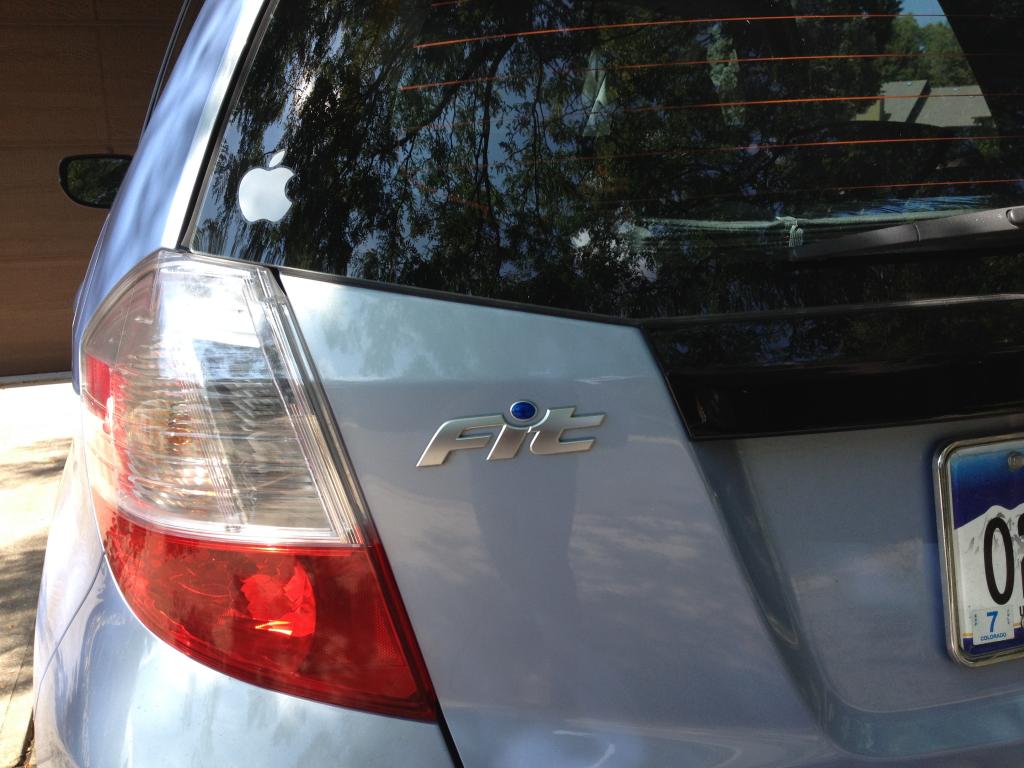
Hmmm... no one caught me on that little white lie.
Looking at it directly from inside the car, the image appears "correct."
Looking at it in the rear view mirror, the image still appears reversed---just as it does from behind the car.
I'm going to leave it alone... just to see if some irate Apple owner comes pounding at my door at a traffic light:

"Did you know you've got your bite
on the wrong side of the Apple?"

Member
Joined: Jul 2014
Posts: 96
From: Philadelphia, PA


Member
Joined: Jul 2014
Posts: 96
From: Philadelphia, PA
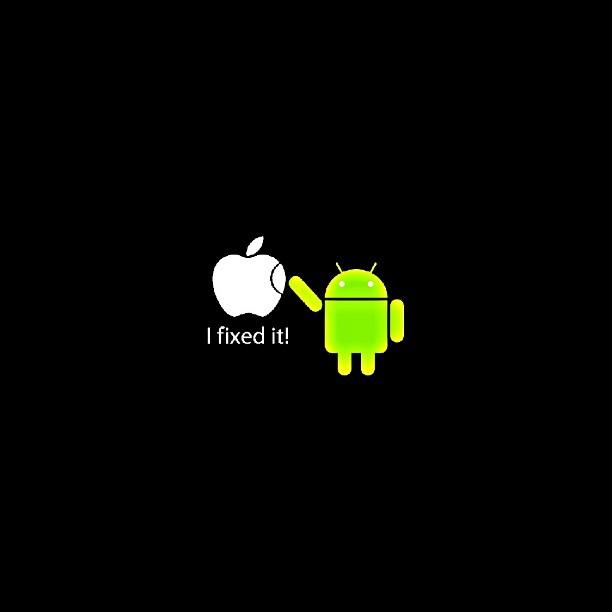
Cute. Although it is rather funny that Apple's first commercial really revolved around "being different" (ie 1984 theme) yet when all these different Android smartphones started coming out, that same argument turned into "fragmentation".
I like Apple hardware. I think it is pretty slick. It is their policies that I hate (collusion, off-shore bank accounts, etc). Although without competition there would be no innovation=P
I like Apple hardware. I think it is pretty slick. It is their policies that I hate (collusion, off-shore bank accounts, etc). Although without competition there would be no innovation=P


Member
Joined: Sep 2014
Posts: 96
From: Austin, TX
Hey siri!
Tested iOS 8 in the car on the way home. the new 'Hey Siri' works. Enable in settings, general, Siri. Then plug in your iPhone, paired with bluetooth and say 'hey siri! Play my driving playlist!' And she does. For anyone who wants to show off, or is too lazy to press the button. 😜
Unfortunately, iTunes Radio still cuts out a lot. Sigh. Maybe Beats will work better?
Unfortunately, iTunes Radio still cuts out a lot. Sigh. Maybe Beats will work better?

New Member
Joined: Jun 2014
Posts: 12
From: Orange County California
question about siri eyes free
I keep seeing people talk about Siri Eyes free is this an app? I just asked Siri what it was and she thought I meant the film Eyes Wide Shut  How exactly do you use it? Can someone give me an example? Like if I want to reply to a text (still having issues with that) I am liking my 6+ but I feel like I am not using it as much I as can with the Fit. You can't just say hey Siri with bluetooth only correct? It has to be plugged in to a usb as well in the car.
How exactly do you use it? Can someone give me an example? Like if I want to reply to a text (still having issues with that) I am liking my 6+ but I feel like I am not using it as much I as can with the Fit. You can't just say hey Siri with bluetooth only correct? It has to be plugged in to a usb as well in the car.
Member
Joined: Sep 2014
Posts: 96
From: Austin, TX
How to use Siri Eyes Free
I keep seeing people talk about Siri Eyes free is this an app? I just asked Siri what it was and she thought I meant the film Eyes Wide Shut How exactly do you use it? Can someone give me an example? Like if I want to reply to a text (still having issues with that) I am liking my 6+ but I feel like I am not using it as much I as can with the Fit. You can't just say hey Siri with bluetooth only correct? It has to be plugged in to a usb as well in the car.
How exactly do you use it? Can someone give me an example? Like if I want to reply to a text (still having issues with that) I am liking my 6+ but I feel like I am not using it as much I as can with the Fit. You can't just say hey Siri with bluetooth only correct? It has to be plugged in to a usb as well in the car.- make sure Bluetooth is on
- make sure Siri is On in setting, general, Siri
- add your contact card in the My Info section, helps to add your home and work addresses to that contact card
- pair your phone with the car
- press and hold the bottom button on steering wheel phone controls (voice button)
You will hear two beeps that indicate Siri is listening.
Speak to her.
Examples:
Play my Running Playlist
play songs by Jethro Tull
Call Johnny Appleseed.
Call mom
Send a text to joe brown (she'll ask what you want to say, say it. She'll repeat it to you and ask if you want to send. Say 'send it' or 'cancel'
Send an email to Molly Smith(follow her prompts, people must be in your contacts, you can't dictate an email address)
How do I get home from here?
Give me directions to a gas station.
How do I get to Disneyland?
Who won the Giants game last night?
What's the weather forecast?
And so forth.
See link for more info http://www.apple.com/ios/siri/
Member
Joined: Sep 2014
Posts: 96
From: Austin, TX
Here are the basics.
- make sure Bluetooth is on
- make sure Siri is On in setting, general, Siri
- add your contact card in the My Info section, helps to add your home and work addresses to that contact card
- pair your phone with the car
- press and hold the bottom button on
steering wheel phone controls (voice button)
You will hear two beeps that indicate Siri is listening.
Speak to her.
Examples:
Play my Running Playlist
play songs by Jethro Tull
Call Johnny Appleseed.
Call mom
Send a text to joe brown (she'll ask what you want to say, say it. She'll repeat it to you and ask if you want to send. Say 'send it' or 'cancel'
Send an email to Molly Smith(follow her prompts, people must be in your contacts, you can't dictate an email address)
How do I get home from here?
Give me directions to a gas station.
How do I get to Disneyland?
Who won the Giants game last night?
What's the weather forecast?
And so forth.
See link for more info http://www.apple.com/ios/siri/
- make sure Bluetooth is on
- make sure Siri is On in setting, general, Siri
- add your contact card in the My Info section, helps to add your home and work addresses to that contact card
- pair your phone with the car
- press and hold the bottom button on
steering wheel phone controls (voice button)
You will hear two beeps that indicate Siri is listening.
Speak to her.
Examples:
Play my Running Playlist
play songs by Jethro Tull
Call Johnny Appleseed.
Call mom
Send a text to joe brown (she'll ask what you want to say, say it. She'll repeat it to you and ask if you want to send. Say 'send it' or 'cancel'
Send an email to Molly Smith(follow her prompts, people must be in your contacts, you can't dictate an email address)
How do I get home from here?
Give me directions to a gas station.
How do I get to Disneyland?
Who won the Giants game last night?
What's the weather forecast?
And so forth.
See link for more info http://www.apple.com/ios/siri/
New Member
Joined: Jun 2014
Posts: 12
From: Orange County California
Thanks so much. I played around with it for a bit. I have a better understanding of what she can do. I still cannot reply to texts-even when the car is parked. My hubby has a new CRV and he gets a list of replies and is able to select one even when driving. I still can't do this for some reason and it bugs me, but now I can use Siri to compose a text, so that helps. I have not been able to get "hey Siri" to work unless it's plugged in (charging). Hmmm.

Member
Joined: May 2014
Posts: 1,545
From: SoCal, CA
"Hal, open the pod bay doors..."
Might make me want an iPhone.

Member
Joined: Sep 2014
Posts: 96
From: Austin, TX
Thanks so much. I played around with it for a bit. I have a better understanding of what she can do. I still cannot reply to texts-even when the car is parked. My hubby has a new CRV and he gets a list of replies and is able to select one even when driving. I still can't do this for some reason and it bugs me, but now I can use Siri to compose a text, so that helps. I have not been able to get "hey Siri" to work unless it's plugged in (charging). Hmmm.
Member
Joined: Sep 2014
Posts: 96
From: Austin, TX
Do tell her that. Ask if she know Hal. Ask her to tell you a story or sing you a song. Tell her 'beam me up, Scotty'. There are tons of fun responses.