


Just Installed my FlyAudio Navigation


Just Installed my FlyAudio Navigation
Hey guys,
I just wanted to share my new navigation/dvd/mp3/touchscreen etc
Fit and Finish: Looks good or better then stock. The Dash sits flush and the colors match. Couldn't tell if it was aftermarket or not.
Sound quality: Just as good or a little better then stock.
Screen quality: Haven't seen too many,but looks good to me. 3 levels of brightness
Overall, I like the headunit. Easy to use. Starts up in less then 5 secs. I planning to change the navi program to something else though. I'm going to try and see which is best. The navi program that comes stock, likes to direct me to local streets.
I wrote this in a hurry , please comment if you want to know some more about the unit.
Thanks to Mat over @ Automax for the installation and the unit.
AutoMax's website for more info.
FlyAudio Multimedia GPS System, Honda 2009 Fit
Mat @ AutoMax
(714) 720 -2797
If you're interested call and tell him James with The UPS Store sent ya!
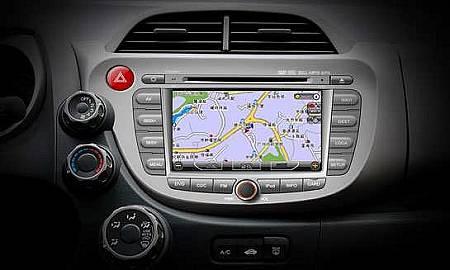
Stock Photo


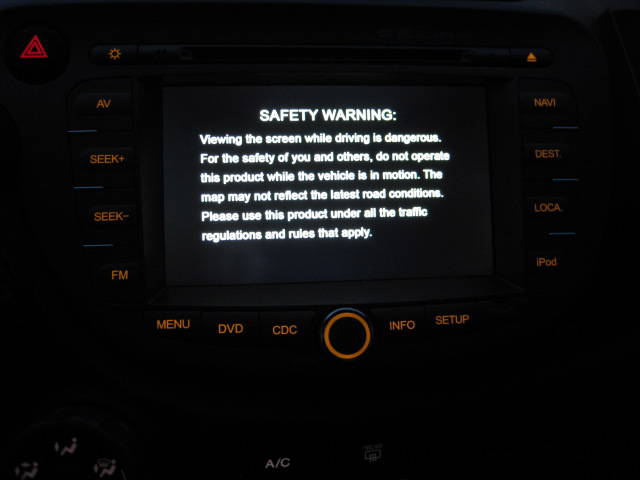
Start up Has a Honda Logo on first start up screen then the safety warning screen. Safety screen goes away after a couple of seconds.

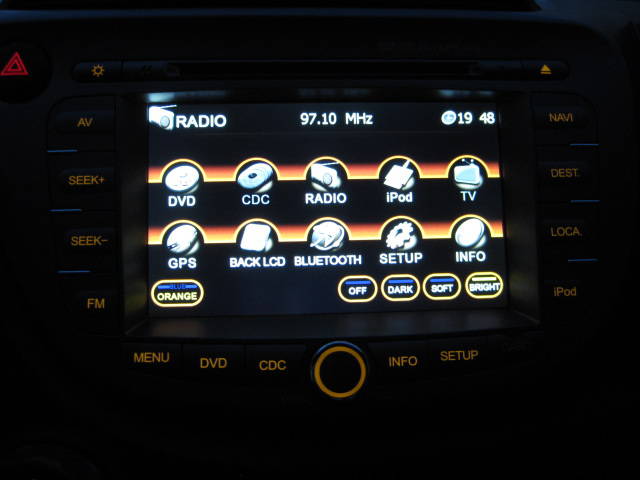
Here is the Menu Screen, waiting for firmware update so time can show 12hr instead of 24hr

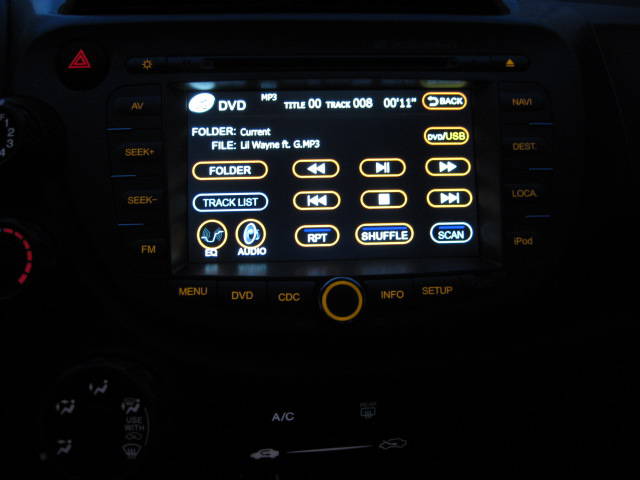
DVD/MP3 screen . They share the same screen Dvd wont play windows movie files and mp4 formats.

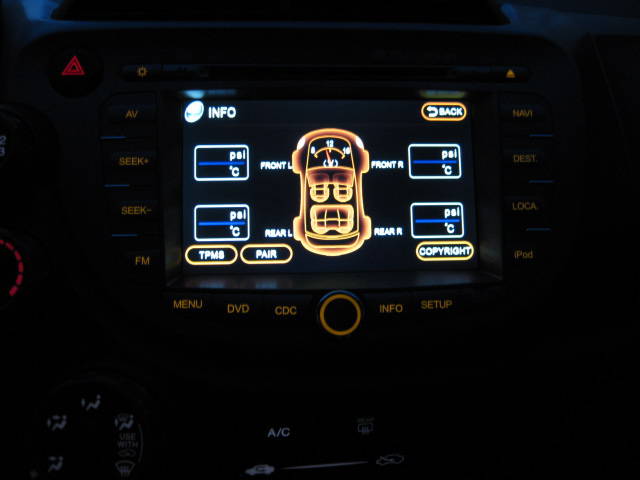
TPMS screen, I haven't figured out how to work it just yet.

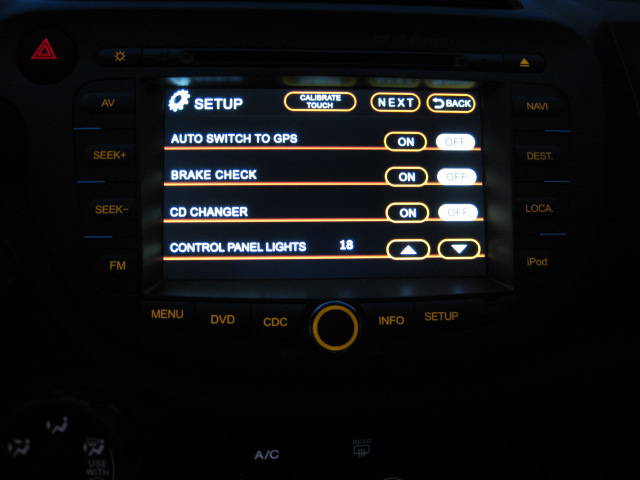
Setup Screen

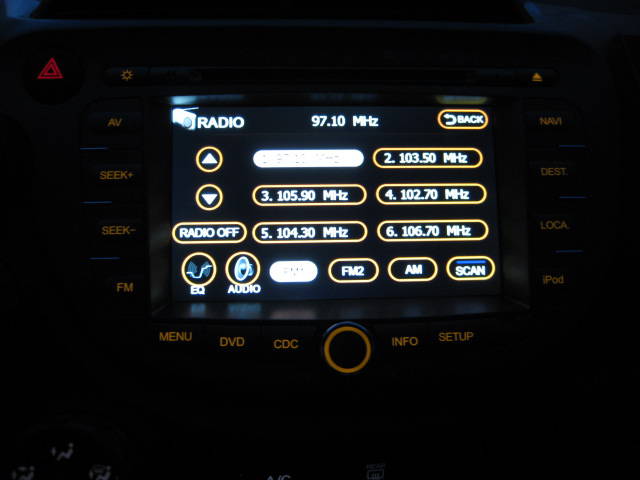
Radio screen. Has 6 preset for FM1/2 and AM

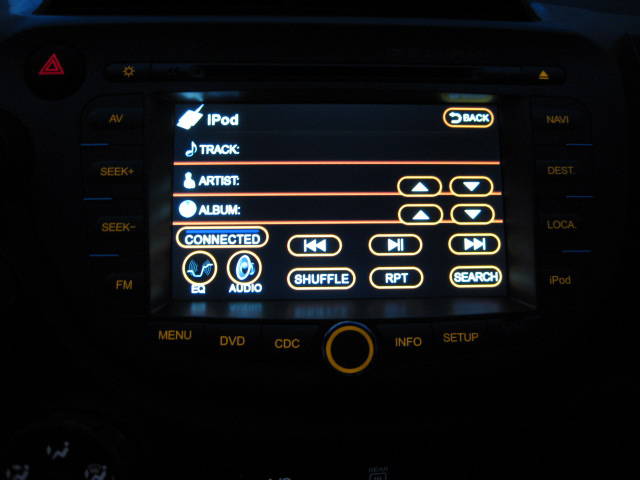
Ipod Controls. I don't have an Ipod, I had one, but I sold it two weeks later and bought a creative mp3 player

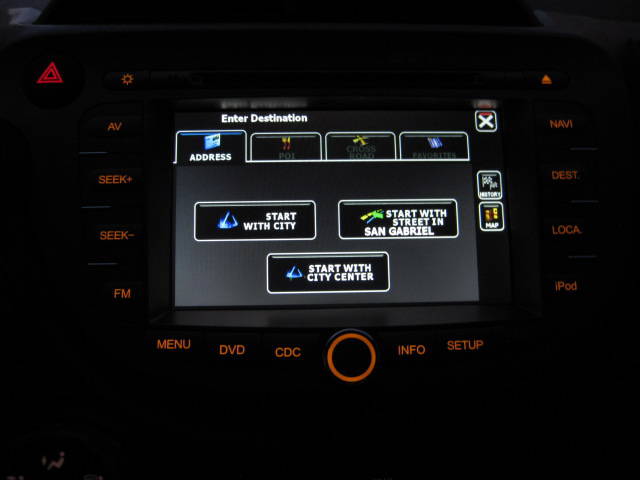
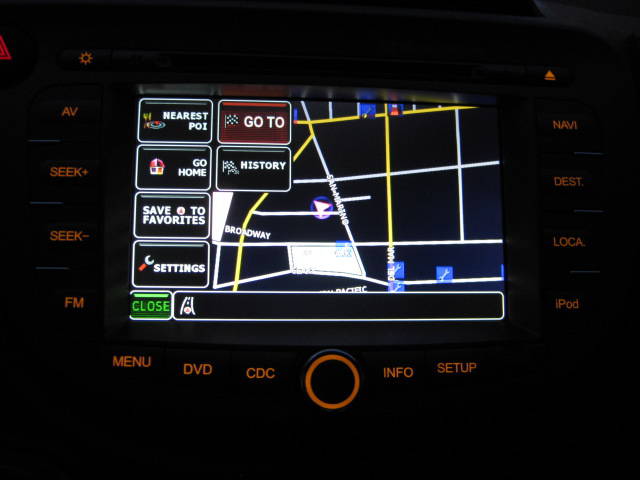
Navi Start up after the annoying safety warning.Turn by turn directions w/ sexy female robotic voice.

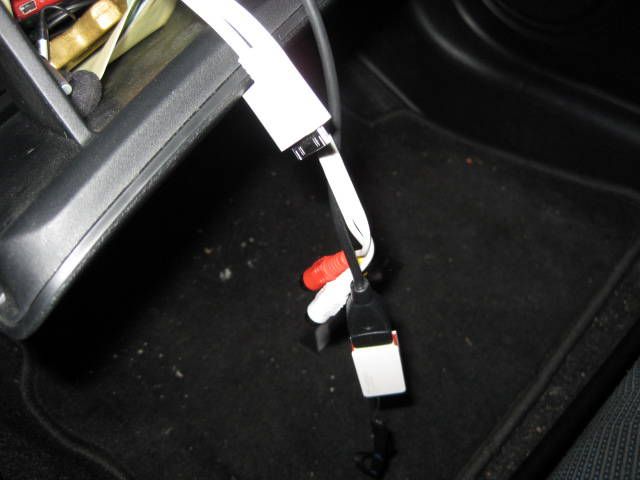
Comes with ipod hookup, usb and rca's

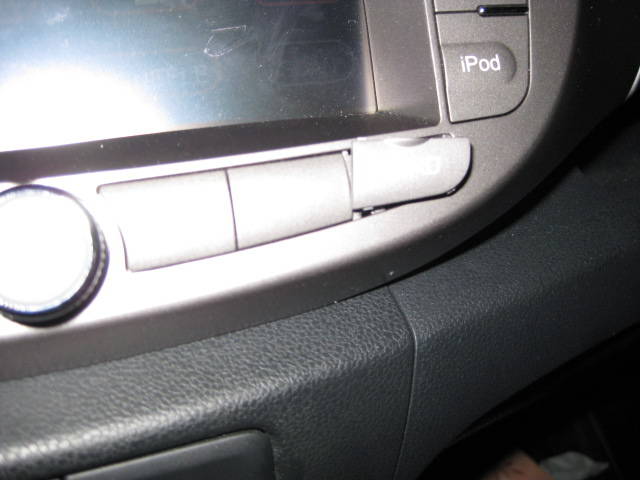
SD card reader , you can upload different navigation engines.

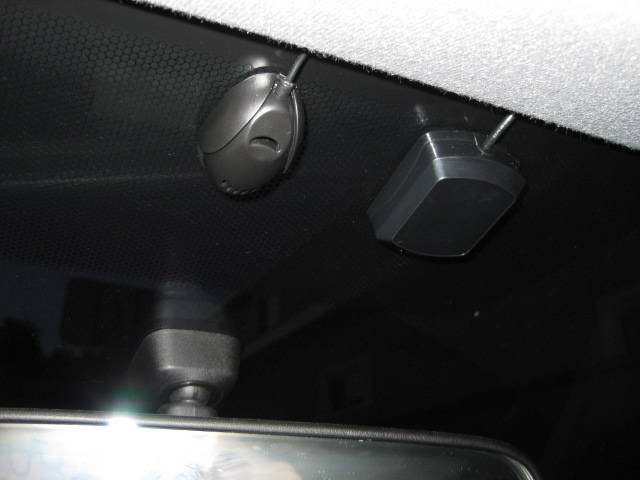
Bluetooth and GPS modules

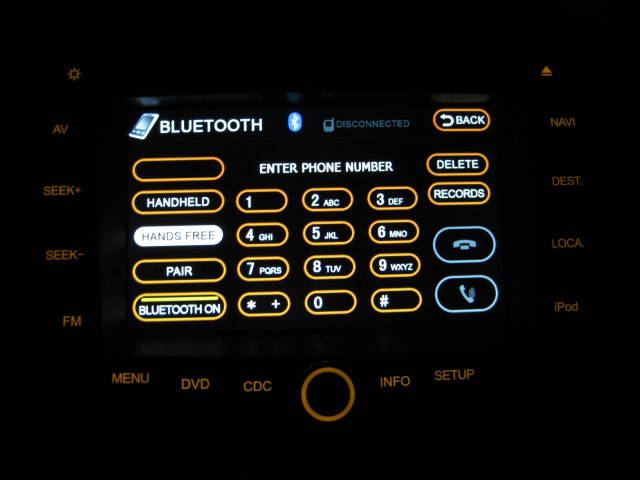
Bluetooth Screen, sounds pretty clear and connects with no problems to my Blackberry 8830

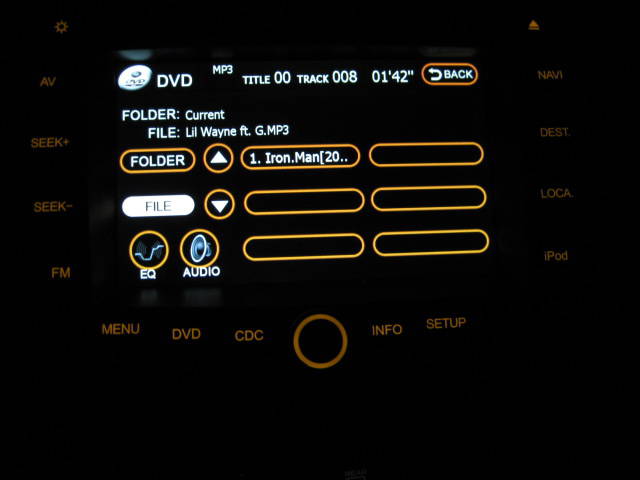
DVD Screen, playing Ironman
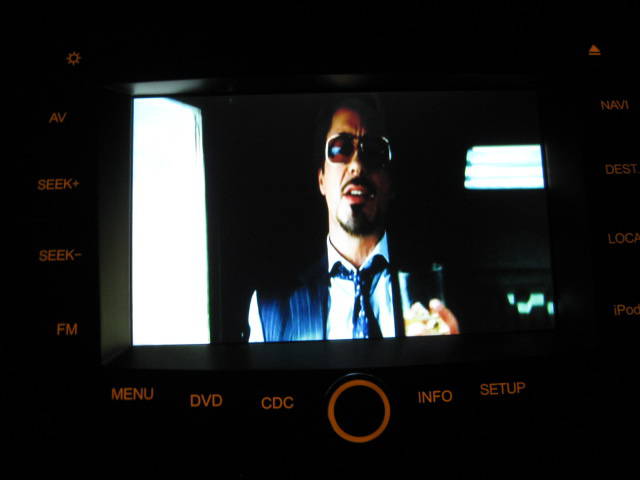
Say hi to Tony Stark

I will add more pictures of the install process after I re-size them.
I just wanted to share my new navigation/dvd/mp3/touchscreen etc
Fit and Finish: Looks good or better then stock. The Dash sits flush and the colors match. Couldn't tell if it was aftermarket or not.
Sound quality: Just as good or a little better then stock.
Screen quality: Haven't seen too many,but looks good to me. 3 levels of brightness
Overall, I like the headunit. Easy to use. Starts up in less then 5 secs. I planning to change the navi program to something else though. I'm going to try and see which is best. The navi program that comes stock, likes to direct me to local streets.
I wrote this in a hurry , please comment if you want to know some more about the unit.
Thanks to Mat over @ Automax for the installation and the unit.
AutoMax's website for more info.
FlyAudio Multimedia GPS System, Honda 2009 Fit
Mat @ AutoMax
(714) 720 -2797
If you're interested call and tell him James with The UPS Store sent ya!
Stock Photo
Start up Has a Honda Logo on first start up screen then the safety warning screen. Safety screen goes away after a couple of seconds.
Here is the Menu Screen, waiting for firmware update so time can show 12hr instead of 24hr
DVD/MP3 screen . They share the same screen Dvd wont play windows movie files and mp4 formats.
TPMS screen, I haven't figured out how to work it just yet.
Setup Screen
Radio screen. Has 6 preset for FM1/2 and AM
Ipod Controls. I don't have an Ipod, I had one, but I sold it two weeks later and bought a creative mp3 player
Navi Start up after the annoying safety warning.Turn by turn directions w/ sexy female robotic voice.
Comes with ipod hookup, usb and rca's
SD card reader , you can upload different navigation engines.
Bluetooth and GPS modules
Bluetooth Screen, sounds pretty clear and connects with no problems to my Blackberry 8830
DVD Screen, playing Ironman
Say hi to Tony Stark
I will add more pictures of the install process after I re-size them.
Last edited by monkeyboi; May 1, 2010 at 03:27 PM.




Member

Joined: Feb 2008
Posts: 577
From: Conn
Problems?
Hey guys,
I just wanted to share my new navigation/dvd/mp3/touchscreen etc
Fit and Finish: Looks good or better then stock. The Dash sits flush and the colors match. Couldn't tell if it was aftermarket or not.
Sound quality: Just as good or a little better then stock.
Screen quality: Haven't seen too many,but looks good to me. 3 levels of brightness
Overall, I like the headunit. Easy to use. Starts up in less then 5 secs. I planning to change the navi program to something else though. I'm going to try and see which is best. The navi program that comes stock, likes to direct me to local streets.
I wrote this in a hurry , please comment if you want to know some more about the unit.
Thanks to Mat over @ Automax for the installation and the unit.
AutoMax's website for more info.
FlyAudio Multimedia GPS System, Honda 2009 Fit
Mat @ AutoMax
(714) 720 -2797
If you're interested call and tell him James with The UPS Store sent ya!
Stock Photo
Start up Has a Honda Logo on first start up screen then the safety warning screen. Safety screen goes away after a couple of seconds.
Here is the Menu Screen, waiting for firmware update so time can show 12hr instead of 24hr
DVD/MP3 screen . They share the same screen Dvd wont play windows movie files and mp4 formats. I had to convert to Dvix to play videos.
TPMS screen, I haven't figured out how to work it just yet.
Setup Screen
Radio screen. Has 6 preset for FM1/2 and AM
Ipod Controls. I don't have an Ipod, I had one, but I sold it two weeks later and bought a creative mp3 player
Navi Start up after the annoying safety warning.Turn by turn directions w/ sexy female robotic voice.
Comes with ipod hookup, usb and rca's
SD card reader , you can upload different navigation engines.
Bluetooth and GPS modules
Bluetooh Screen, sounds pretty clear and connects with no problems to my Blackberry 8830
DVD Screen, playing Ironman
Say hi to Tony Stark
I will add more pictures of the install process after I re-size them.
I just wanted to share my new navigation/dvd/mp3/touchscreen etc
Fit and Finish: Looks good or better then stock. The Dash sits flush and the colors match. Couldn't tell if it was aftermarket or not.
Sound quality: Just as good or a little better then stock.
Screen quality: Haven't seen too many,but looks good to me. 3 levels of brightness
Overall, I like the headunit. Easy to use. Starts up in less then 5 secs. I planning to change the navi program to something else though. I'm going to try and see which is best. The navi program that comes stock, likes to direct me to local streets.
I wrote this in a hurry , please comment if you want to know some more about the unit.
Thanks to Mat over @ Automax for the installation and the unit.
AutoMax's website for more info.
FlyAudio Multimedia GPS System, Honda 2009 Fit
Mat @ AutoMax
(714) 720 -2797
If you're interested call and tell him James with The UPS Store sent ya!
Stock Photo
Start up Has a Honda Logo on first start up screen then the safety warning screen. Safety screen goes away after a couple of seconds.
Here is the Menu Screen, waiting for firmware update so time can show 12hr instead of 24hr
DVD/MP3 screen . They share the same screen Dvd wont play windows movie files and mp4 formats. I had to convert to Dvix to play videos.
TPMS screen, I haven't figured out how to work it just yet.
Setup Screen
Radio screen. Has 6 preset for FM1/2 and AM
Ipod Controls. I don't have an Ipod, I had one, but I sold it two weeks later and bought a creative mp3 player
Navi Start up after the annoying safety warning.Turn by turn directions w/ sexy female robotic voice.
Comes with ipod hookup, usb and rca's
SD card reader , you can upload different navigation engines.
Bluetooth and GPS modules
Bluetooh Screen, sounds pretty clear and connects with no problems to my Blackberry 8830
DVD Screen, playing Ironman
Say hi to Tony Stark
I will add more pictures of the install process after I re-size them.
Updated with pictures. Sorry it took so long. I work 2 jizzobs.
Youtube Linky
YouTube - AutomaxService's Channel
Youtube Linky
YouTube - AutomaxService's Channel
Its a Full double din unit and no dash kit is required like with other aftermarket units. Installation was left to the pros. The stock unit is pretty easy to un-install. The only thing I see might take some time is the back up camera if you choose to install one. I still need to resize the pre-install pictures.
Member
Joined: Feb 2008
Posts: 577
From: Conn
Wow is all I can say.
Its a Full double din unit and no dash kit is required like with other aftermarket units. Installation was left to the pros. The stock unit is pretty easy to un-install. The only thing I see might take some time is the back up camera if you choose to install one. I still need to resize the pre-install pictures.
Stock Dash

Stock Navi

Fly Audio


From what I've read on it it uses anything really.. So you can choose either TomTom, Garmin, or whatever other one you'd like to use.
True! I have the one that came with the unit, might change it up soon.
It doesn't tilt, but it is recessed and there are brightness adjustments you can make. You can also leave the screen on auto, so the brightness changes accordingly.

New Member
Joined: May 2010
Posts: 13
From: Ca
Thanks for posting this. I just bought one thru Mat at Automax, I can't wait for it to get here. The fit and finish of the FlyAudio looks way better than the stock navi, and for a GREAT price too. I can't wait to get it tomorrow!
Member
Joined: Feb 2008
Posts: 577
From: Conn
Automax
Sounds good.
Last edited by einstein77; May 12, 2010 at 07:32 PM.
New Member
Joined: May 2010
Posts: 13
From: Ca
Just installed my FlyAudio. What a breeze that was. Everything was plug and play and it popped right in. The iPod interface and GPS are definitely my favorite features so far! Mat @ Automax provided AWESOME tech support. He answered all my questions over the phone (on the weekend) and had a bunch of tips for the install. Thanks!