When you click on links to various merchants on this site and make a purchase, this can result in this site earning a commission. Affiliate programs and affiliations include, but are not limited to, the eBay Partner Network.
Okay so I am working on refurbishing my ol' machine. I've purchased a complete radio unit from the same vintage vehicle to replace mine. The part numbers and units are exactly the same, I have the radio unlock code for my unit. The goal was to swap in the other unit & get the serial number for the subsequent unlock code.
well, after the swap I now have a completely dead radio. Evem my original stock unit hates me now! They're both completely unresponsive. Dang it what did I do wrong?
I've gone as far as to test my fuse panel, all is ok there. I have no DTC's at all, either. When I plug in the replacement unit I swear I can hear a CD whizzing for a moment but that's it.
as an aspiring auto technician, I have the proper tools to physically diagnose the issue, does anyone know which direction to point me?
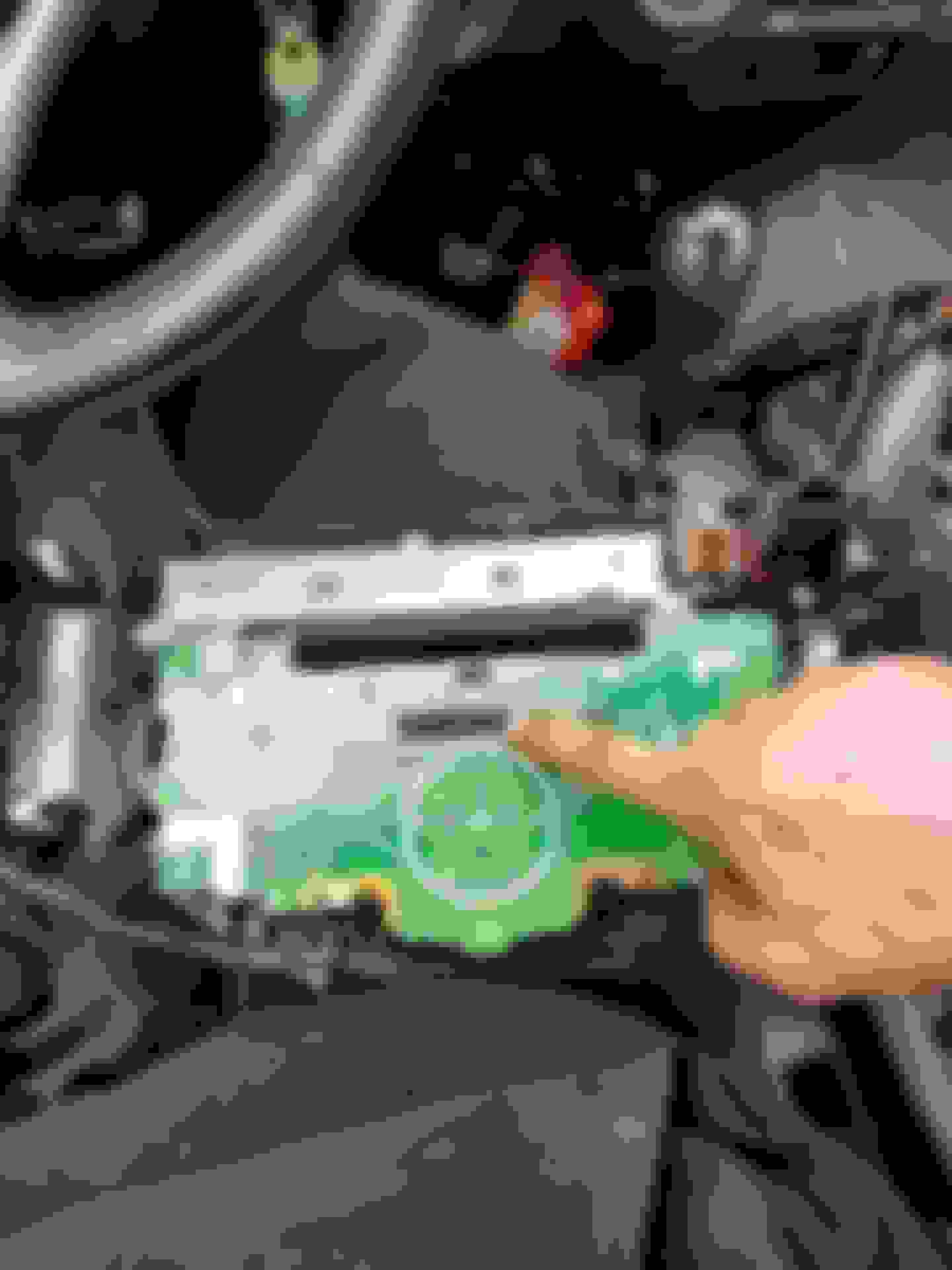
With everything plugged back into the radio, does anything come on when you turn the ignition on- ie the clock? Just curious if everything is dead in the radio unit or if the radio itself just isn't coming on. If the clock comes on, then double check that you're firmly pushing the on-button on the radio to start it up. You show the radio still out of the dash. I wonder if one of the screws holding the unit into the dash framework actually provides a ground to the radio? Try using a ground wire to the metal body of the radio and to a good ground around the dash area.
If both radios stopped working, you either have killed the power to the radio by blowing a fuse, or you don't have all the plug-ins plugged back into the radio or the radio isn't properly grounded. Otherwise the radio, or clock at least, should power up.
Another possibility is that a wire may have been pulled or a short was created somewhere. It would seem highly unlikely given that it's a simple plug and play.
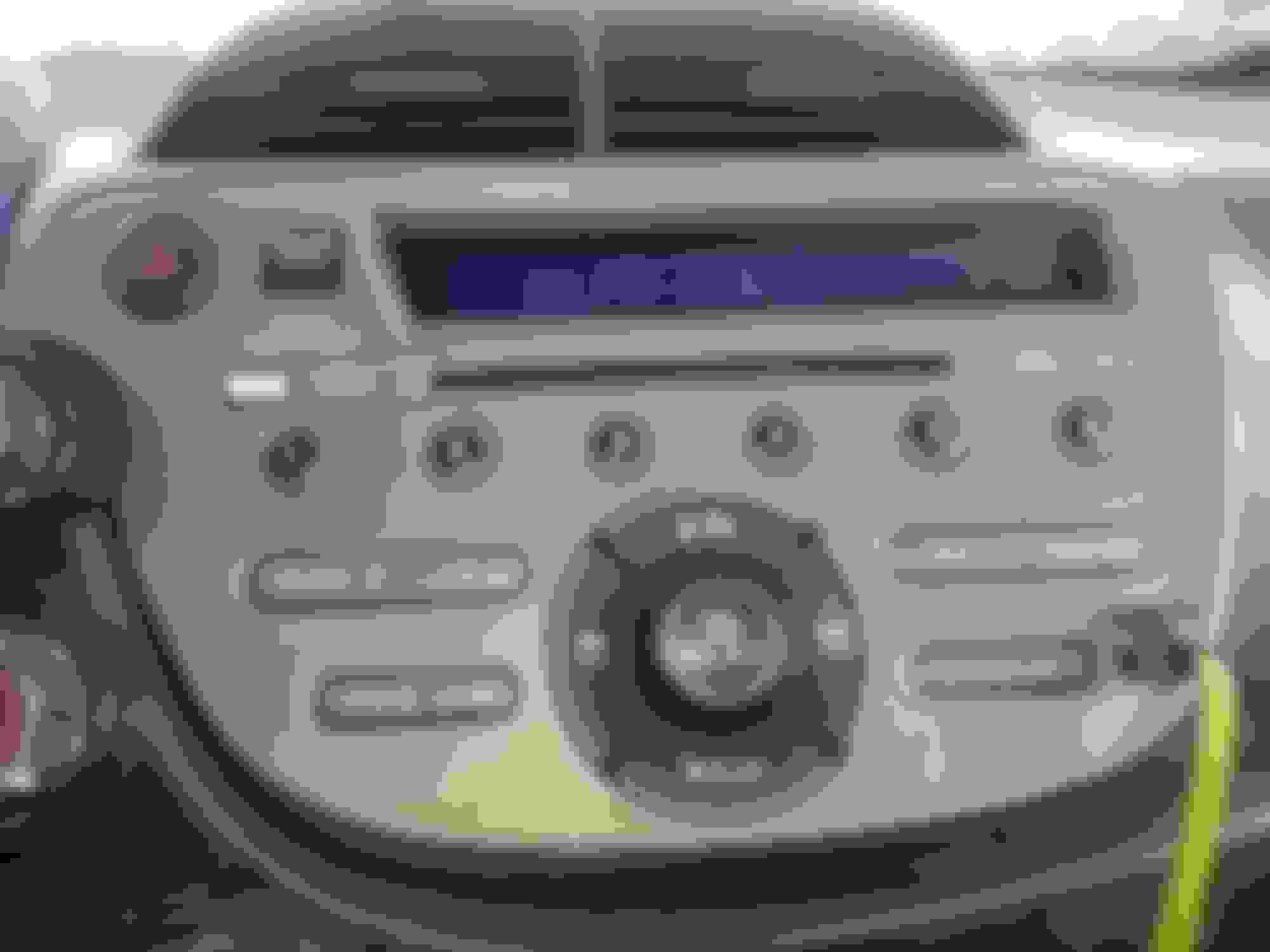
What happened was, when both units were removed from the car, they were both pried to hard on & it just barely lost connection with the radio. I installed it without a bracket & was about to give up. I noticed the stereo was on but the backlight wasnt.
I ended up reinstalling everything and had a dead radio again. So I found the culprit. I've reinstalled the faceplate to the radio & left the bracket loose.
Everything is great now, oddly enough.
Last edited by SubaruSlayer; Apr 2, 2019 at 12:04 AM.