


Yellow fog light vinyl film Installation, questions, answers


Here updated w/ my fog light i didnt use the x-pel or lamin-x, just got off of some guy from the socal civic, had for fews months never had any problem with them and got them for cheap. Plus it output is goldern look



Yea, this probably happened because you didnt rub wax to your laminx which is like a sunscreen and protectant to any type of film or lense. If you did then I dont have no idea. But I guess shit just fades after a while. lol
Also, if you have a Yellow bulb with your yellow laminx film which is what I have it really enhances the yellow of your fog lights. Assuming you're talking about your fogs in the day time with the lights off.

Member
Joined: Sep 2007
Posts: 2,055
From: The Unknown
i pull my fogs out about once a month and give them a good scrub down cause yes mine seem to get all dark and dingy too. i clean them and then wax them and they look like new. i have yellow bulbs aswell so they run a bit hotter then the oe stuff so i like to check the film to be sure i dont burn it off.

Member

Joined: Jun 2006
Posts: 1,031
From: San Fran
I had my Xpel film installed for about a week now and i just noticed a werid mark between the light and film.. I have no idea what and how this happened. I followed Xpel's instructions exactly..
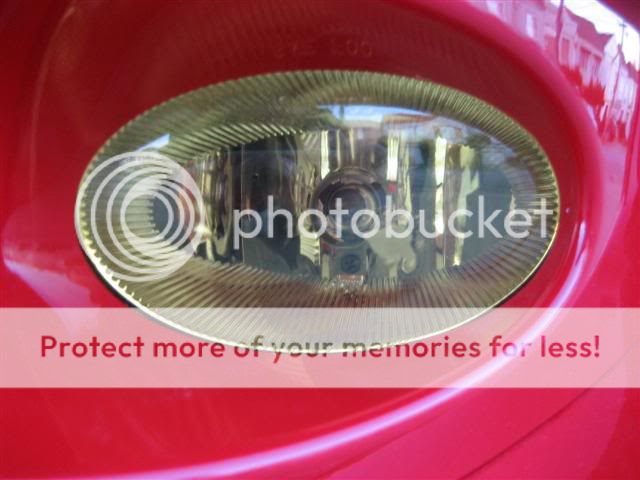
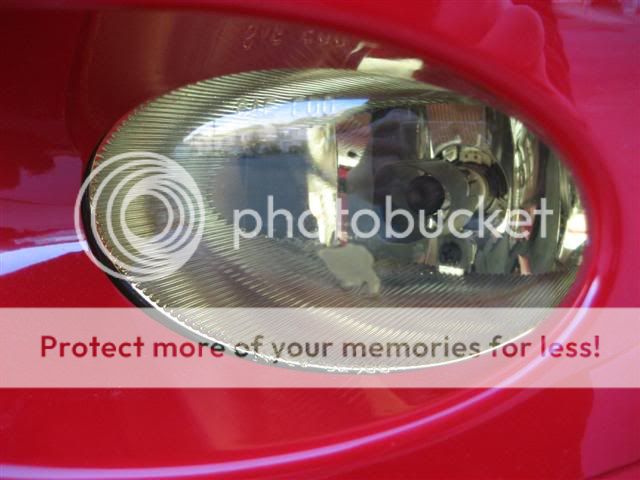
Anyone have some input???
Anyone have some input???


Is it an air bubble of some sort? Or maybe some trapped condensation from the install?
Had my yellow film installed for awhile... Not sure what brand it is, I got it awhile ago from some random seller on another forum... but it's yellower than my friend's lamin-x film on his foglights.

Had my yellow film installed for awhile... Not sure what brand it is, I got it awhile ago from some random seller on another forum... but it's yellower than my friend's lamin-x film on his foglights.


My lamin-x has started to brown on the left side (AGAIN). I've removed it for now. I think my fog bulbs may be the culprit. I'm going to be getting some new bulbs and hopefully they won't burn my Lamin-x if i apply it a 3rd time.

Member
Joined: Feb 2008
Posts: 94
From: Jacksonville, Fl
dude that sucks. yeah i just bought mine and installed them a week ago. They look great but I bought the pre cut ones and the damn things are cut too small so you can see the fogs a little. Anyone else have that issue?
Does anyone know that when they turn brown if they're easy to take off? How would I go about that.

Member
Joined: Oct 2007
Posts: 191
From: Salisbury, Maryland
I ordered some lamin-x just this past week and made sure to order 2 sheets (4"x6"). but when i got my shippment, there was only one sheet.
did they jack up my order or am i missing something??
the lamin-x does seem thick, but it still looks like one peice.
did they jack up my order or am i missing something??
the lamin-x does seem thick, but it still looks like one peice.
Member
Joined: Oct 2007
Posts: 191
From: Salisbury, Maryland
I ordered a kit from X-Pel - (H0227) - specifically pre-cut for the Fit fog lights. Extremely easy install, I like the look! (And feel better now that I know I'm protected from those rocks that may damage them.)
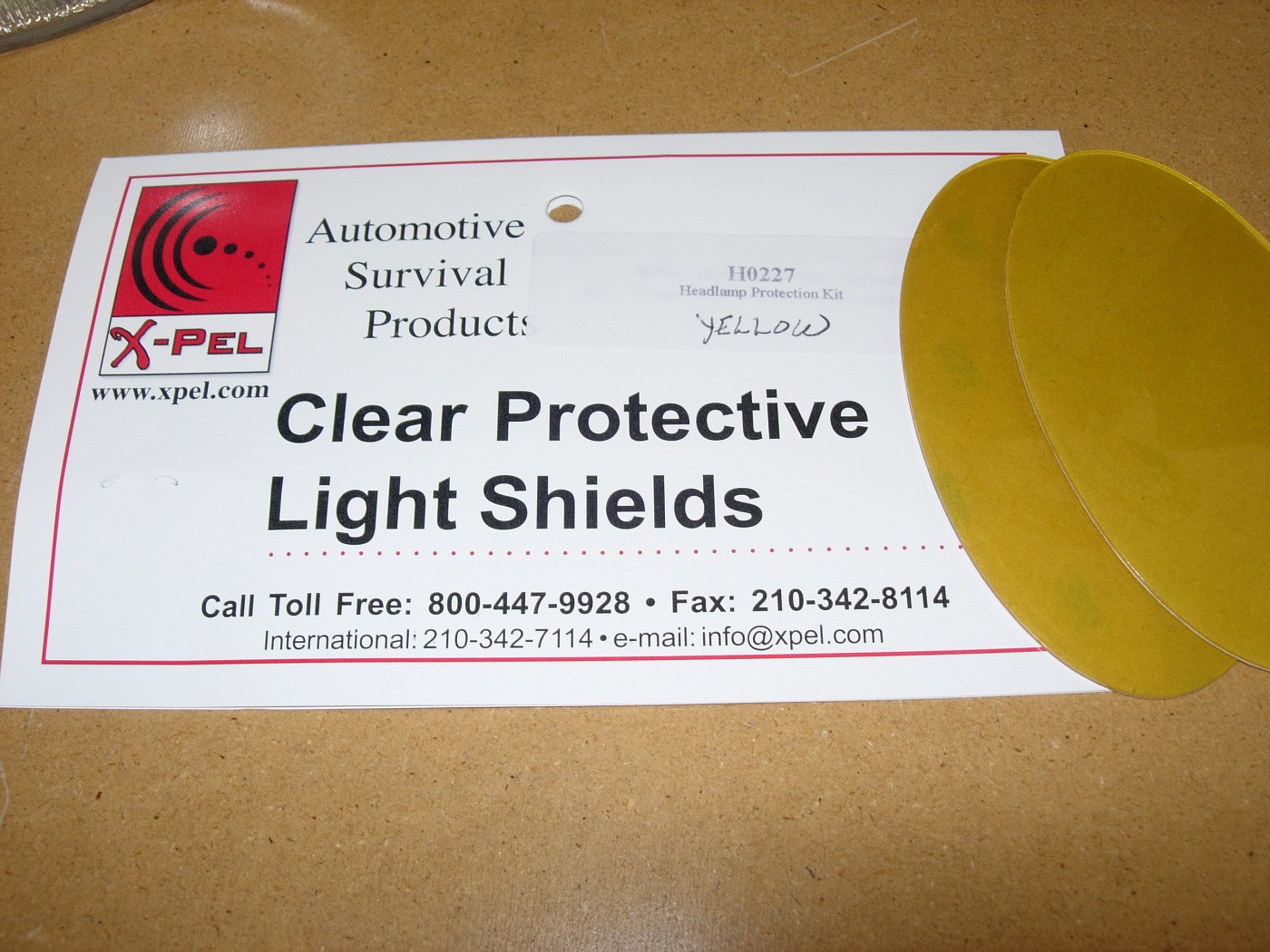
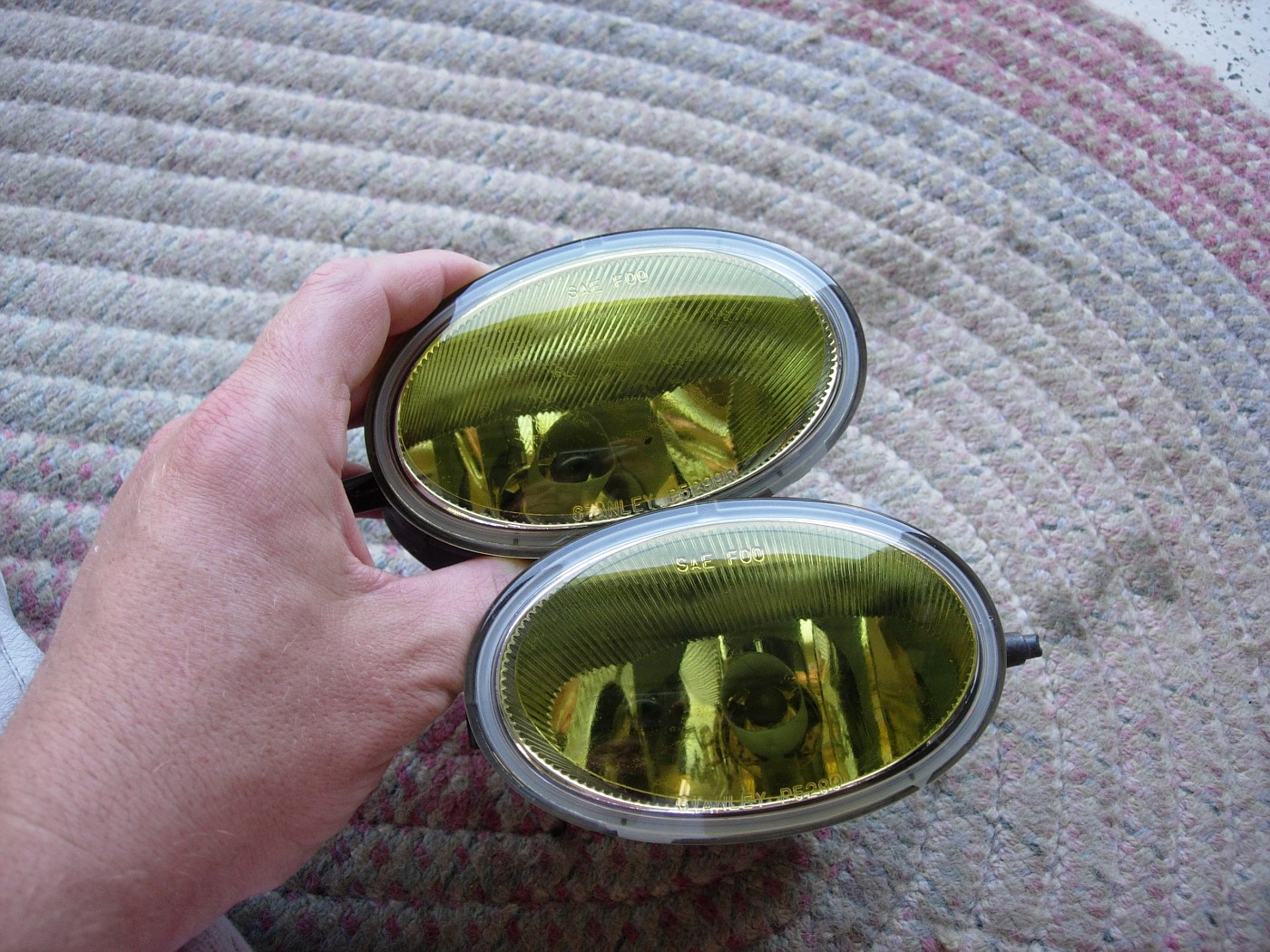
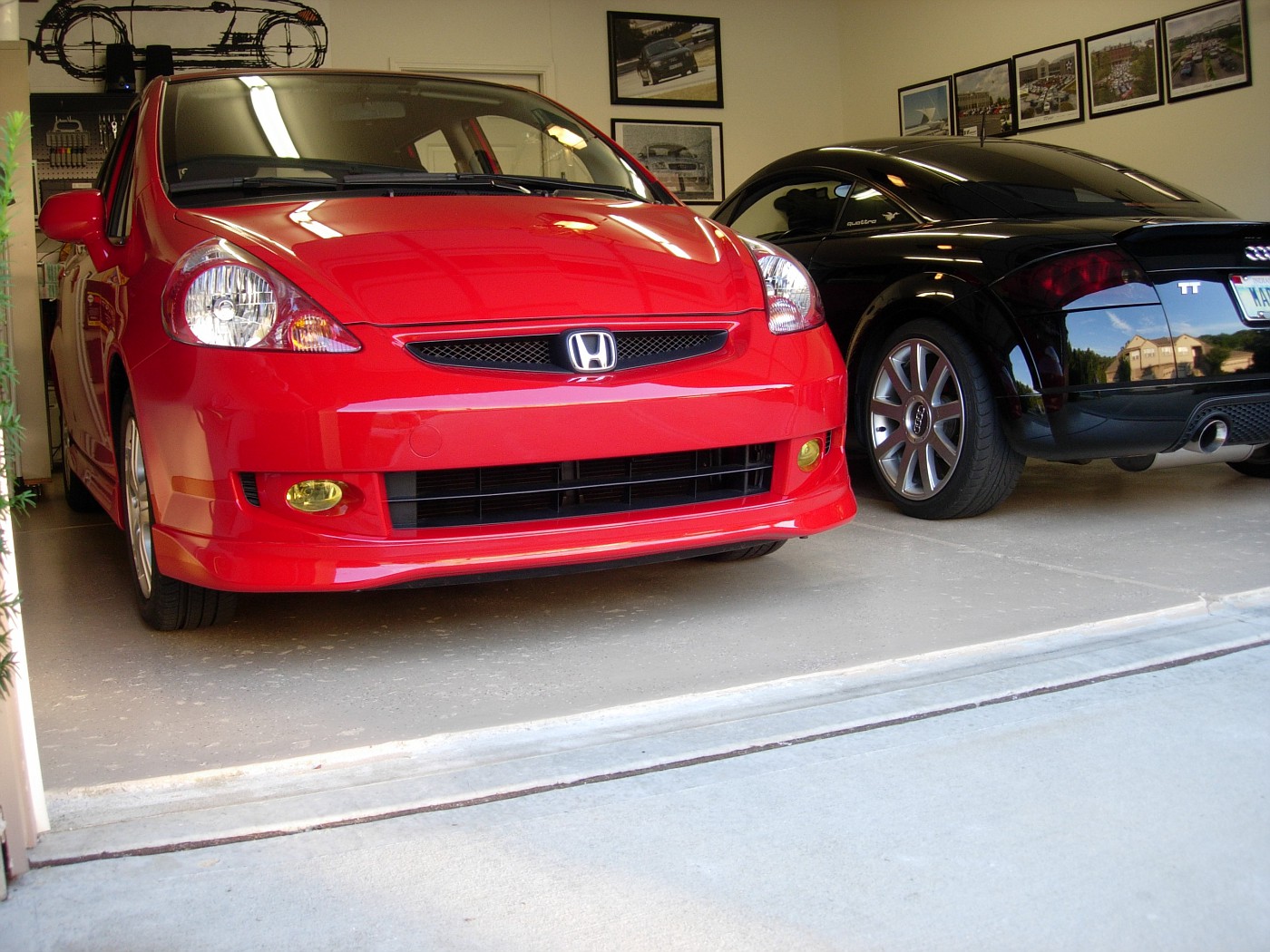
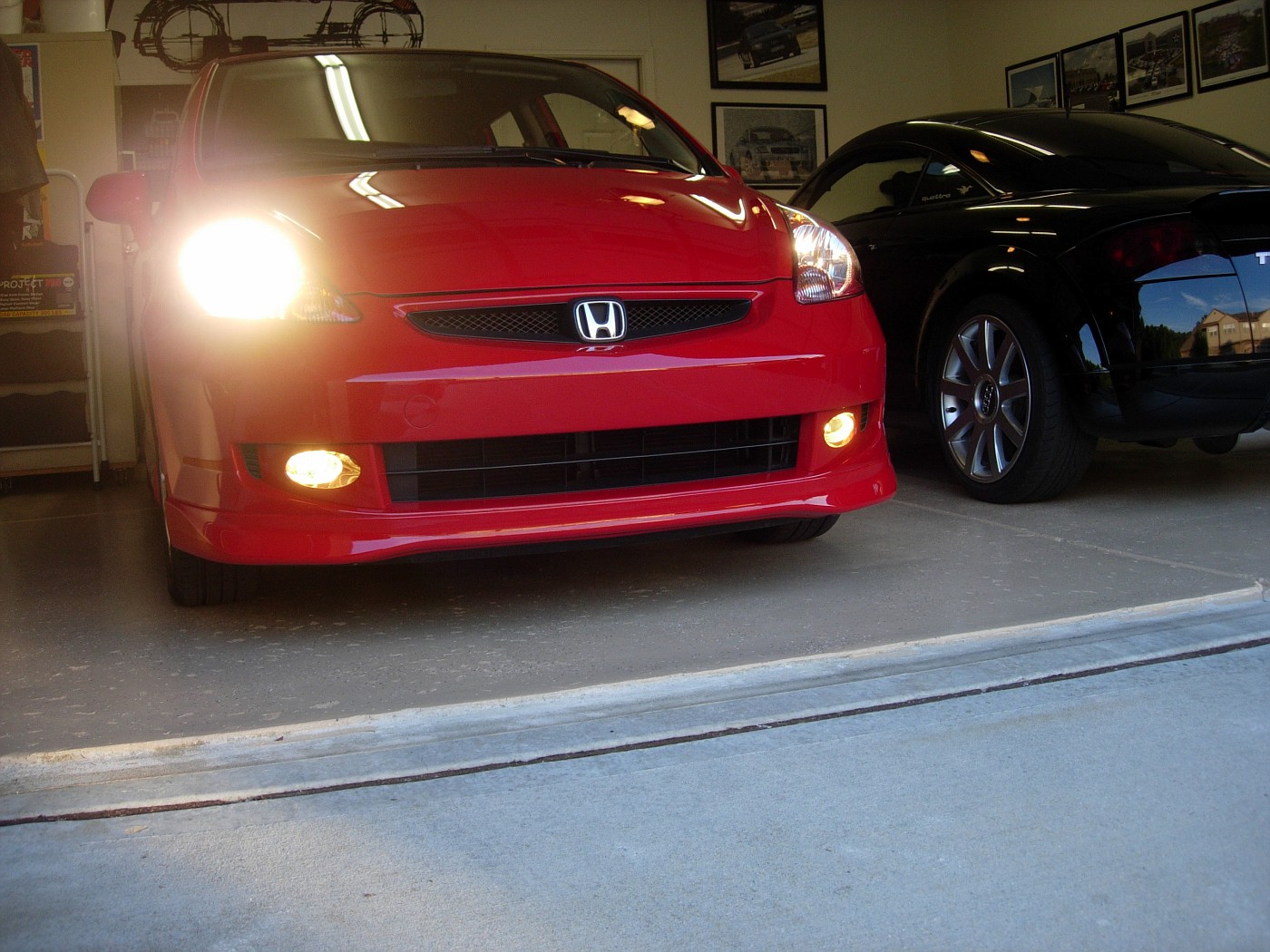
More photos with instructions here.
More photos with instructions here.
I had the same crap happen to me. Its brown already. I love the bulbs i'm running on now and I dont want to loose that yellow they give off. But then again, I love the look of the yellow the laminx gives during the day. I DONT KNOW WHAT TO DO!!
Does anyone know that when they turn brown if they're easy to take off? How would I go about that.
Does anyone know that when they turn brown if they're easy to take off? How would I go about that.
Anyone know?

Member
Joined: Jun 2006
Posts: 102
From: Indianapolis
You have to call and order the part number you see in those pics, you can't order only the pre-cut fog light film using the web site. I know, using the phone is a bummer but that's what I did, really easy and fits perfectly. 

i actually have the burnt yellowness with using my stock bulbs.i use the 505? solution to keep it shiny, but for some reason i started to notice it burning the other night.
i think i might just take it off, and use bluebatmobile overlays. they seem to be a bit more yellow. but im more of the function over form guy, so i might have to re order a set of lamin-x film.
i think i might just take it off, and use bluebatmobile overlays. they seem to be a bit more yellow. but im more of the function over form guy, so i might have to re order a set of lamin-x film.
Member
Joined: Sep 2007
Posts: 2,055
From: The Unknown
My lamin-x has burnt too. Im using the yellow bulbs from theljnet.com. I cant remember off hand what brand they are. They started to burn before i put the new bulbs in though so im gonna try it again and see what happens. I may have fudged up the install or something. My first priority is to figure out why one of my fogs stopped working before i left. I swapped to a known good bulb but that didnt work so i have to go in and troubleshoot it. I did the independent fog thing so maybe one of my connections is bad. I hope its easy to find. I was pissed to find out a few minutes before i left that it was bad
Member
Joined: Oct 2007
Posts: 191
From: Salisbury, Maryland
i just ended up painting mine with stain glass paint
it worked great!!!
i left the outside edge unpainted just to be on the safe side to let heat escape.
but it was MUCH better than lamin-x or any of that
pic related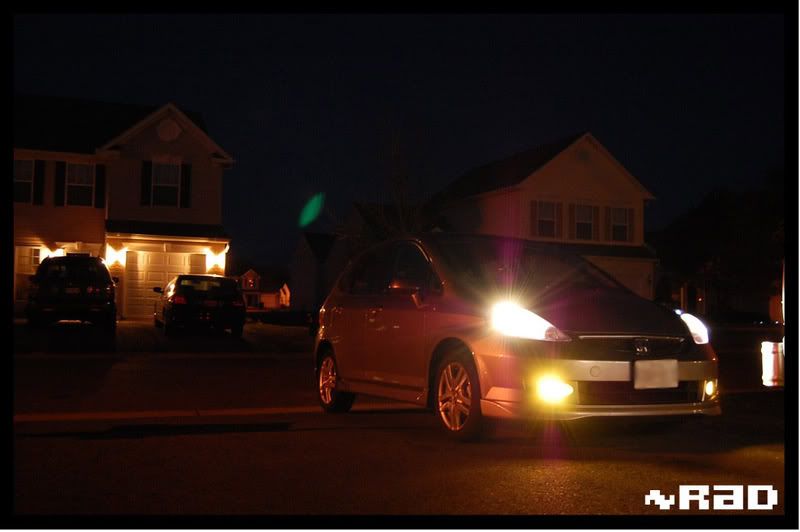
it worked great!!!
i left the outside edge unpainted just to be on the safe side to let heat escape.
but it was MUCH better than lamin-x or any of that
pic related
What is the procedure of taking off the Lamin-x? Mine are burnt and I want to take them off and since they are stuck nicely on the glass anyone have any tips and knows exactly how to take them off.
Member
Joined: Sep 2007
Posts: 2,055
From: The Unknown
I just poured lots of water on the lamin-x and peeled it off. There is alot of residue on the glass still that you need to scrub off tho. I dont know of a way to make it any easier. It does stick very well which is great for installing but sucks for removing, kinda like window tint.